This is an old revision of the document!
Thunderbird Setup
If this is your first time opening Thunderbird, the new email account wizard opens automatically. If you already have other accounts setup in Thunderbird, then you need to go to: Menu (The three lines at the upper right of the program) – Options –> Account Settings Then choose “Account Actions” then “Add Mail Account”
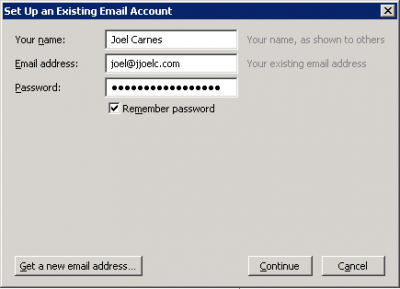 Enter your name, your “@thecarnesfamily.com” email address, and your password